This guide walks you through every step of assembling your Moza R3 Bundle hardware — from unboxing the wheelbase, steering wheel, and pedals to securing all mounting hardware. Follow along at your own pace, directly in your browser, with no downloads or videos required.
Follow each step in order to correctly assemble your Moza R3 Bundle. Complete one step fully before moving to the next. If you encounter resistance when fitting any component, stop and re-check the orientation before applying force.
Before touching any hardware, lay every item from the box on a flat, clear surface. Confirm you have the Moza R3 wheelbase unit, the Moza ES steering wheel, the Moza SR-P Lite pedal set, the wheelbase mounting plate, all bolts and Allen keys included in the accessory bag, and the power adapter with cable. Cross-reference each item against the included packing list. Do not begin assembly if any component is missing — contact Moza support first.
Attach the wheelbase mounting plate to the underside of the Moza R3 wheelbase using the M6 bolts from the accessory bag. Hand-tighten first, then use the provided Allen key to secure firmly — do not overtighten. Position the wheelbase at the front edge of your desk or rig crossbar, aligning the plate holes with your mounting surface. Clamp or bolt the plate in place using the C-clamp hardware (desk mount) or bolts (rig mount) supplied. The wheelbase should have zero lateral movement once secured.
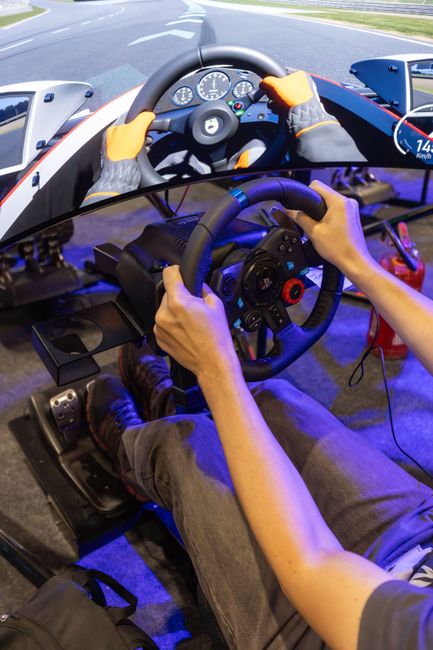
Locate the quick-release shaft on the front of the R3 wheelbase. Align the spline pattern on the Moza ES wheel hub with the shaft — there is only one correct orientation, indicated by the alignment notch. Push the wheel firmly onto the shaft until you feel it seat fully, then rotate the locking collar clockwise until it clicks and stops. Give the wheel a firm pull to confirm it is locked. Do not run the wheelbase while the wheel is not fully locked in place.
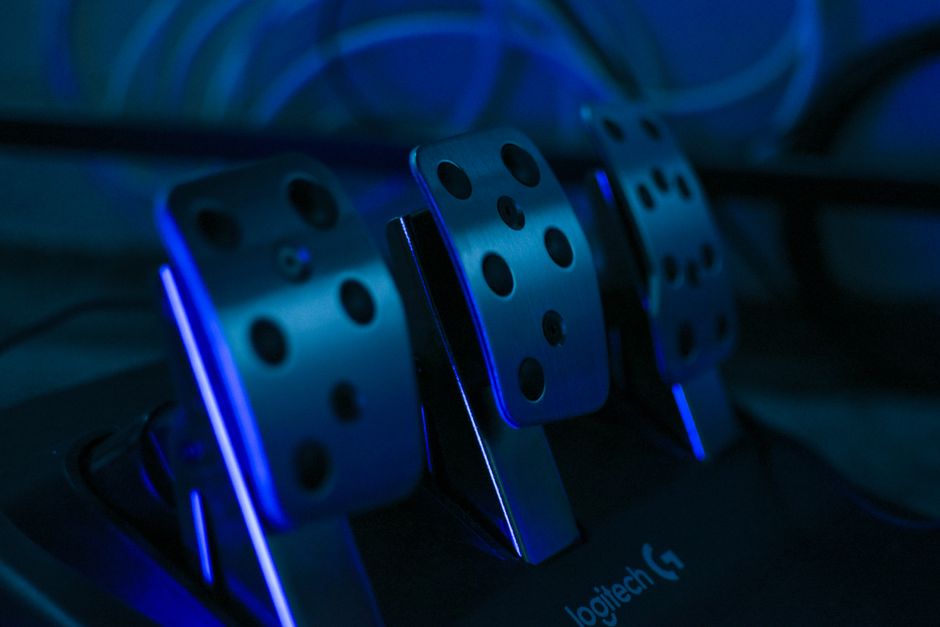
Place the Moza SR-P Lite pedal set on the floor in front of your seating position. The heel rest should sit flat on the floor with the pedal faces angled toward you at a comfortable angle. If you are mounting to a rig frame, align the pedal plate bolt holes with your rig's pedal mount points and secure with the supplied M5 bolts. For floor use without a rig, place a non-slip mat beneath the pedals to prevent movement during use. Adjust the brake and throttle pedal positions by loosening the side bolts, sliding to your preferred spacing, and re-tightening.
Locate the RJ12 cable supplied with the pedal set. Plug one end into the RJ12 port on the rear of the Moza SR-P Lite pedal set — the connector clicks when fully seated. Route the cable tidily along the floor or rig frame toward the wheelbase to avoid a trip hazard. Plug the other end into the RJ12 pedal input port on the rear of the R3 wheelbase. Confirm both ends are fully clicked in. Do not use extension cables not approved by Moza, as signal quality may be affected.
Plug the Moza R3 power adapter into the DC power input on the rear of the wheelbase. Connect the other end to a wall outlet — do not use a power strip without surge protection. Next, connect the provided USB-A to USB-B cable from the USB port on the rear of the wheelbase to a USB 3.0 or higher port on your PC. Avoid USB hubs; connect directly to the motherboard or a dedicated USB controller card for the most reliable connection. Do not power on the wheelbase yet — proceed to verify all connections before first power-on.
Before switching the wheelbase on, run through this final pre-power checklist: the steering wheel locking collar is fully tightened and clicked; the wheelbase mounting plate has zero movement on your desk or rig; the pedal RJ12 cable is clicked in at both ends; the USB cable is connected directly to your PC (not a hub); the power adapter is plugged into a surge-protected outlet; and the area around the steering wheel has at least 30 cm clearance on each side for wheel rotation. Once all checks pass, press the power button on the side of the R3 wheelbase. The wheel will perform a short self-calibration rotation — this is normal. Hardware assembly is now complete.
Before you start assembling your rig, it helps to know exactly what you're working with. Every Moza R3 Bundle ships with the same core components. Here's what each part is and the role it plays in your setup.
The wheelbase is the core of your sim racing setup. It houses the direct drive motor that delivers force feedback directly to your steering wheel — no belts, no gears. The R3 delivers up to 3.5 Nm of torque, providing realistic road feel and resistance for beginners without overwhelming force. It mounts to your desk or rig via the included clamp bracket and connects to your PC via USB.
The ES Steering Wheel included in the R3 Bundle is a compact, entry-level wheel designed for beginner sim racers. It features a 300 mm diameter grips, a built-in button cluster for in-game controls, and a magnetic Quick Release hub that attaches directly to the R3 wheelbase. No tools are required to mount or swap the wheel once the hub is installed.
The CRP Pedal set provides two-pedal input — throttle and brake — suitable for most beginner sim racing titles. The pedals sit on a steel baseplate with adjustable positions and connect to your PC independently via a separate USB cable. The brake pedal uses a progressive spring to simulate real brake feel, making it easier to modulate braking pressure accurately.
The R3 Bundle includes a desk clamp bracket that allows you to mount the wheelbase directly to a desk or table edge without permanent fixtures. A hex key and mounting bolts are also included for attaching the wheelbase to the clamp plate. This hardware is everything you need out of the box — no additional tools or brackets are required for a basic desk-mounted setup.
In addition to the main components above, your Moza R3 Bundle box should include the following accessories. Check these off against your packing list before you begin assembly to confirm nothing is missing.
If any item is missing from your box, contact Moza Racing support before proceeding. Attempting assembly with incomplete hardware can cause damage or an incorrect setup.
Before you finish up your Moza R3 hardware build, review these practical tips. Small oversights during assembly can cause frustrating issues later — take two minutes to read through this list before moving on.
The Moza R3 wheelbase and pedal brackets use M6 bolts with aluminum threads. Tighten until snug and firm — do not use power tools or force the bolt past resistance. Over-torquing strips threads and permanently damages the mounting points. Hand-tight plus a quarter turn is sufficient for all major fasteners.
Always connect the steering wheel to the wheelbase before applying power. The R3 wheelbase performs an auto-center calibration on first boot — if no wheel is detected during this sequence, the unit may report an error or fail to initialize correctly. Seat the quick-release fully and confirm it is locked before connecting power.
Plan your cable routing before fully tightening any clamps or bolts. The Moza R3 bundle includes a wheelbase power cable, USB cable, and pedal cable — all three need clear, unobstructed paths to your PC and desk surface. Run cables along the rig frame and secure with the included cable ties to prevent tangling or accidental disconnects during a session.
Ensure no cables cross the pedal travel path or the steering column rotation arc. A cable snagged under the brake pedal mid-race will give false inputs and may damage the connector. After routing, manually test the full range of motion on both the pedals and wheel before calling the assembly complete.
The Moza R3 pedal set supports multiple mounting angles. Sit in your actual driving position before tightening the pedal mount — what looks comfortable on the floor often feels wrong once you are seated at race height. Adjust the angle so your heel rests naturally on the pedal plate with your knee at approximately a 90-to-120 degree bend.
The pedal RJ45 cable and USB connections must click or seat fully into their ports. A partially inserted connector is one of the most common causes of unrecognized devices in Moza Pit House. Gently push each connector until you feel it bottom out, and give it a slight tug to confirm it is locked before moving to the driver installation phase.
Before proceeding to the Driver & Software Setup guide, confirm each of the following:
Once every item above is confirmed, you are ready to install drivers and configure your Moza R3 in software.
Well done. With your Moza R3 rig fully assembled, the next stage is getting your PC ready to communicate with the hardware. Head over to the Driver and Software Setup guide to install the official Moza R3 driver package and configure Pit House software for your first session on track.
What's next in the Driver & Software Setup guide: You will download and install the official Moza R3 driver package, set up Moza Pit House software, apply firmware updates to your wheelbase and pedals, and configure force feedback settings inside your preferred sim racing title.